How to check the NOL card balance Transfer
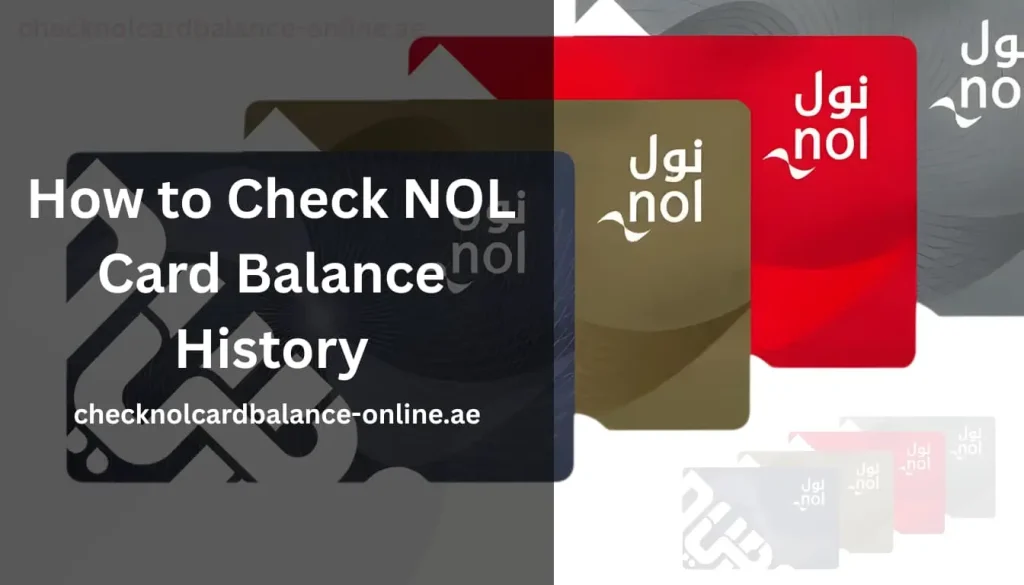
Checking your NOL card balance is actually pretty simple. The process takes only a couple of minutes and provides a clear view of your transactions. Whether you want to confirm a fare deduction or track your spending, accessing your transactions is simple.
Millions of commuters across Dubai rely on NOL cards daily for daily transport and even retail payments. Each transaction is recorded with its date, time and the deducted amount. If you’re a registered user, then you can easily access your balance history.
To make sure you perfectly manage your balance. We will walk you through the importance of checking your NOL card history, the types of transactions, and the steps to verify your transaction.
Why Checking Your NOL Card History Is Important
You’re probably one of those people who don’t care about checking their balance until it’s expired. If you check your balance regularly can help you manage your balance smartly and notice any extra charges.
To Control Your Spendings
It’s your money, so you must know where your dirhams are going. You might’ve noticed that certain routes cost more or how daily small trips stacked up quickly. Once you figure out this pattern, you can adjust your traveling routine smartly.
Identify Unwanted Charges
Sometimes you’re too occupied with responsibilities that you forget to tap out or get a maximum charged fare. Reviewing your history can help you deal with such mistakes in the future.
Smarter Travelling Plan
Your transaction history doesn’t just show how much you’ve spent, but also the places you’ve been to. This helps you decide if a monthly pass or different route would save money.
Types of Transactions Recorded
Your NOL card history is like your personal mini financial diary for your daily commute. Showing your remaining balance and where you have spent it. Every deduction and recharge leaves a digital footprint behind.
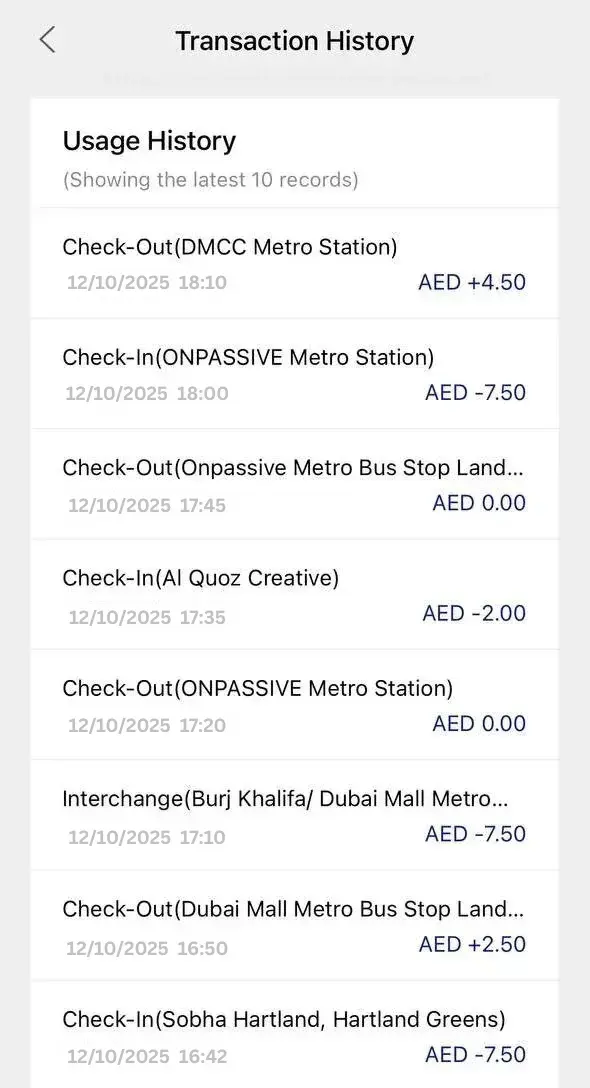
Transport Fare Deductions
The fare is automatically charged each time you travel using the metro, bus, tram, or aquatic rides. Its system keeps track of when you tap in and out, along with the final cost. Missing a tap-out means you’ll face extra charges.
Purchases at NOL-supported retailers
Your NOL card is limited not only to transport but also to certain shops and parking machines. Payments through the card are instantly recorded, which is why small purchases (besides travel costs) can reduce your balance.
Recharges
Adding money to your NOL card also appears in the transaction history. It displays your additional amount and sometimes the used method or location. Regardless, this informs that your recharge was a success.
Refunds
If you’ve refunded your charges, then this will also be added to your history. You’ll see details of the refunded amount and when it was credited back.
Transferring Funds
Transferring your balance from one NOL card to another is also recorded. This shows details of when and to whom you transferred your funds.
Step-by-Step Method to Check NOL Card Balance History
Now you’re probably thinking, “Fine, I see why it’s so important, but how exactly do I check it?” and Dubai makes it very easy. There are plenty of different methods to choose from. Let’s go through them one by one so you can decide which method you find easier.
RTA Website
- Visit the official RTA website and hover over the NOL services section.
- Select the option “transaction history” or “Check NOL Balance.”
- Type your NOL card number and log in to your RTA account.
- Once you’re logged in, your card’s details show up.
RTA Dubai App
- Download the RTA Dubai app from your Apple/play store.
- Log in to your account and enter your NOL card number
- Hover over the card details from the dashboard
- Choose “Balance” or “Transaction History”
RTA Kiosk
- Walk upto your nearest RTA Kiosk at any metro station.
- Insert your NOL card inside the card slot.
- Choose the “card information” and select “transaction history.”
- Your recent activity will be displayed on the screen.
NOL Card machine
- Check which is the nearest Nol card machine to you.
- Place your card on the scanning part and choose the option to check transaction history.
- Wait for a couple of seconds while the machine processes your card.
- Take a look at your recent transactions on the screen.
Customer Service Assistant
- Visit your nearest RTA customer service desk or metro station ticket office.
- Hand your NOL card over to the staff member.
- Request to see your balance history and ask if there are any unexpected charges.
- If necessary, ask for further guidance or file a complaint.
Your NOL card history includes all your trips, payments, and top-ups. Checking it regularly helps you track your travel expenses and make sure your balance is always accurate.
Final Thoughts on Managing Your NOL Card Balance History
The smartest thing you can do as a regular commuter in Dubai is to regularly check your balance history. Through multiple available methods (RTA machine, NOL app, etc), make sure to check your transaction details as it won’t take much of your time.
Avoid recharging after your balance runs out, doing it earlier can save you from a lot of unexpected issues that could ruin your entire day.
Make sure you make “checking your balance” a part of your routine so you can stay in full control of your travel expenses. A quick check today can make your journeys across Dubai more efficient and stress-free.