How to apply for the NOL card monthly pass in Dubai

If you’ve been living in Dubai and have been using its public transport for a while now, the thought of a monthly pass must have crossed your mind. You’re already making use of the NOL card, but what if there’s more to it?
The monthly pass is a part of your NOL card and is valid for 30 consecutive days. Prices vary depending on the zone you regularly visit, ranging from AED 140 to AED 350. This is how the system works across all Dubai’s transport services.
Now, we’ll be walking through who is eligible, how the requirements and pricing works and simple steps on how you can apply for it.
Who can Apply For the RTA Monthly Pass?
Before you apply, know that the NOL monthly pass is an Add-on to your NOL card, it’s not an inherent part of it. Regardless of your occupation or residency, it’s available for anyone who regularly uses Dubai’s public transport.
Dubai Residents
Regardless of what type of NOL card you own, you can purchase the monthly pass without special approvals. You don’t necessarily need to have a certain amount of income. As long as you have the minimum required cash, you’re eligible.
Tourist
If you’re a foreigner staying in Dubai for a short period, you can also buy the monthly pass. The only requirement you need is having a silver NOL card (or Gold if you like spending a lot). So, you don’t need to have an Emirati citizenship.
Expat
You’re still eligible to apply for the monthly pass, even if you don’t live in the mainland. All you need is an active NOL card for the activation of its monthly pass.
Office Workers & Daily Commuters
If anything else, this pass is literally made for office workers. Especially if your work requires you to travel frequently across multiple zones. The profession barely has anything to do with the monthly pass.
Student Monthly Pass Eligibility
Like office workers, students also don’t necessarily stick around in one place. If you’re a student with an active NOL card, then you’ll be making full use of the discounted fares and monthly pass benefits. It’s the best of both worlds.
Monthly cost and eligibility criteria
If only we could live in a world where we didn’t have to discuss the cost every minute. Sadly enough, we somehow do it. Dubai’s public transport system fare is based on the zone it operates in. So the more zones you cover, the higher the cost.
| Card Type | Zone 1 | Zone 2 | Zone 3 |
| Senior NOL card | 70 AED | 230 AED | 350 AED |
| Student NOL card | 70 AED | 460 AED | 700 AED |
| Gold Card | 280 AED | 115 AED | 175 AED |
| Silver Card | 140 AED | 115 AED | 175 AED |
All Physical NOL Card Holders
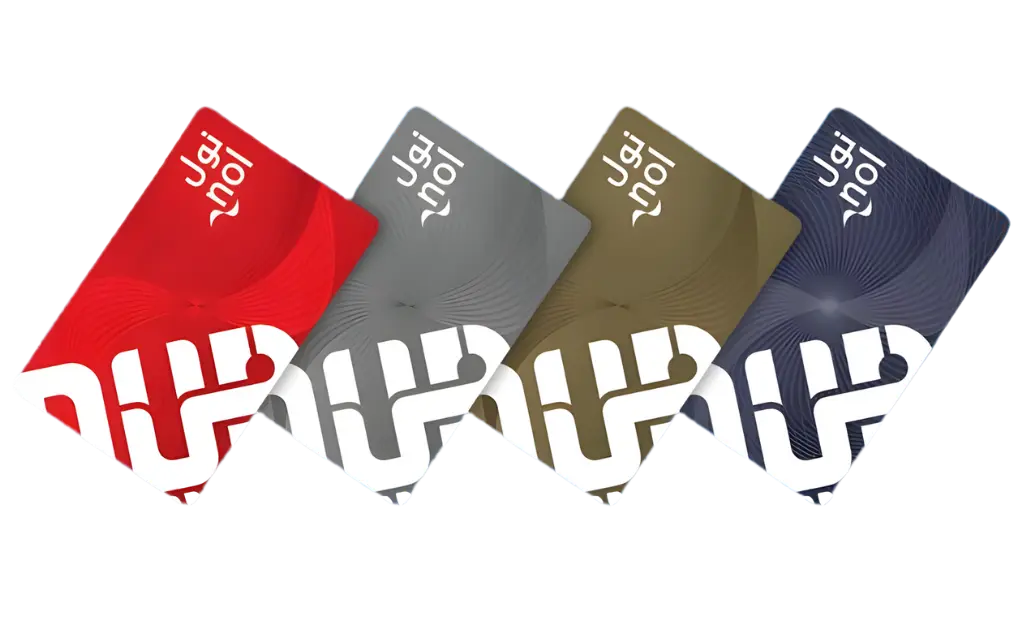
It doesn’t matter whether you have a silver or a gold NOL card, you’re eligible to apply for the monthly pass unless it’s a red ticket. Red tickets are disposable, so it’s best to upgrade them to either silver or gold.
Virtual NOL Card Users
You can easily purchase the monthly pass through the app if you’re using the virtual NOL card. The entire process is digital, including payment and activation. It’s very convenient if you like managing everything on your phone.
Registered NOL Card Users
NOL cards that are registered offer account management benefits and protection. If your card is linked to your Emirates ID, you can recover your balance or transfer your pass if the card is lost. You’re also eligible to apply if your card is unregistered, but once it’s lost, you can consider your balance and pass gone for good.
Step-by-Step methods to apply
Now we begin with the main event. This is where we’ll be going through each method with precise steps. Whether you prefer to do things on your phone or physically, just head to the machine or staff counter. Here’s a simple comparison before we break down each method
| Method | Activation Time | Requirements |
| NOL pay app | Instantly or under 4 hours | NFC-enabled phone + UAE pass |
| Ticket Office | Immediately | Visit the metro station |
| Ticket Vending Machine | Immediately | NOL card + payment card |
Application via NOL Mobile App
- Download the NOL pay app and log in using your UAE pass
- Choose “buy product” and place your NOL card on the NFC part of your phone
- Select your “travel pass” and then choose the “monthly pass.”
- Choose the zone (or zones) you wish to travel.
- Proceed with the payment through your debit card, credit card or digital wallet.
Purchase at Metro Ticket Offices
- Visit your nearest metro tick office.
- Interact with the staff and ask about the 30-day pass.
- Hand your NOL card to the staff member.
- Wait for a few minutes for the process to complete.
- You’ll receive confirmation, and the pass is activated immediately.
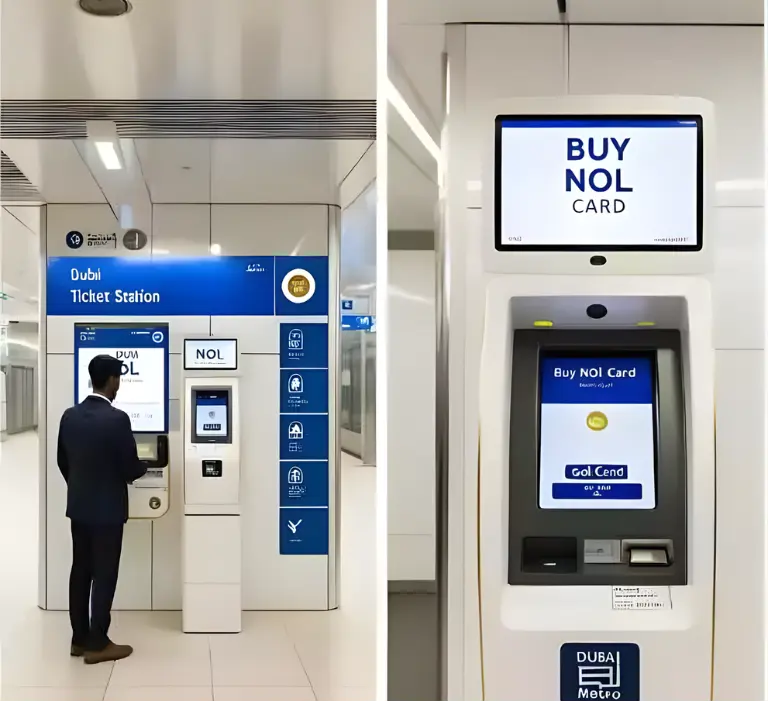
Purchase via Ticket Vending Machines (TVM)
- Visit your nearest vending machine.
- Insert your card and select the option for travel pass.
- Choose the monthly pass from the available options.
- Complete your payment via cash or card.
- Activate your pass directly from the machine.
Common Things That People Forget About the Monthly Pass
People usually realise their mistakes after they’ve already made them. The monthly pass definitely sounds straightforward, but a few unnoticeable rules can affect how you use it. Knowing about such mistakes in advance saves your time, money, and unpleasant surprises.
30-Days Validity
A monthly pass is active for 30 whole days strictly, not the entire month. If you’ve activated on the 11th day, then it’ll expire on the 10th day of the upcoming month.
First Tap Activation
The countdown doesn’t begin immediately after you’ve bought your pass. It will begin as soon as you tap your card at a gate or validator. So don’t tap your card until you’re ready.
Gold Class Upgrade
Gold class cabins are an Add-on for your regular pass. If you plan on upgrading your experience, you’ll need to pay addtional amount. Tapping into gold with an incorrect pass will result in a fine.
No Refund After Activation
You need to forget about refunds once your pass is activated. It doesn’t matter if you have a change of mind immediately after its activation. So take some time to think before you proceed with the pass’s application process.